
Display UI: one round display, one button
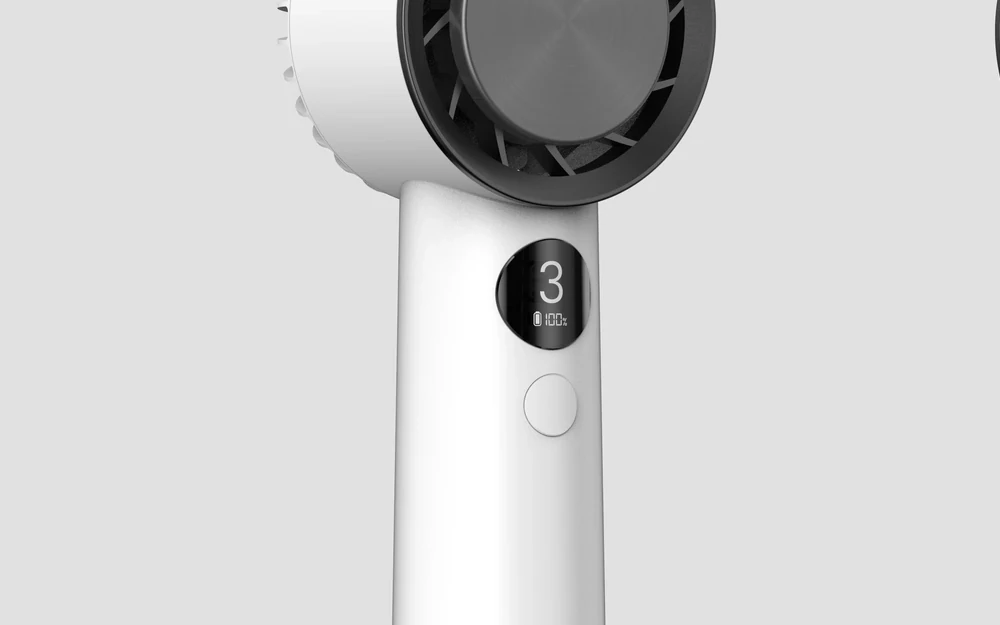
Cooly has one flush button and one round display. The display sits low on the front of the handle so your palm never covers it, whether you hold the fan or stand it on a desk.
What the screen shows
A large numeral for the fan level and a small battery readout underneath. That is all. We tried adding more and took it out again; a screen this small works best when it shows one thing at a glance.
What the button does
The single button, level with the surface of the handle, steps through the fan levels and switches the fan off. How the Peltier pads are switched will be settled in engineering and described here when it is final.